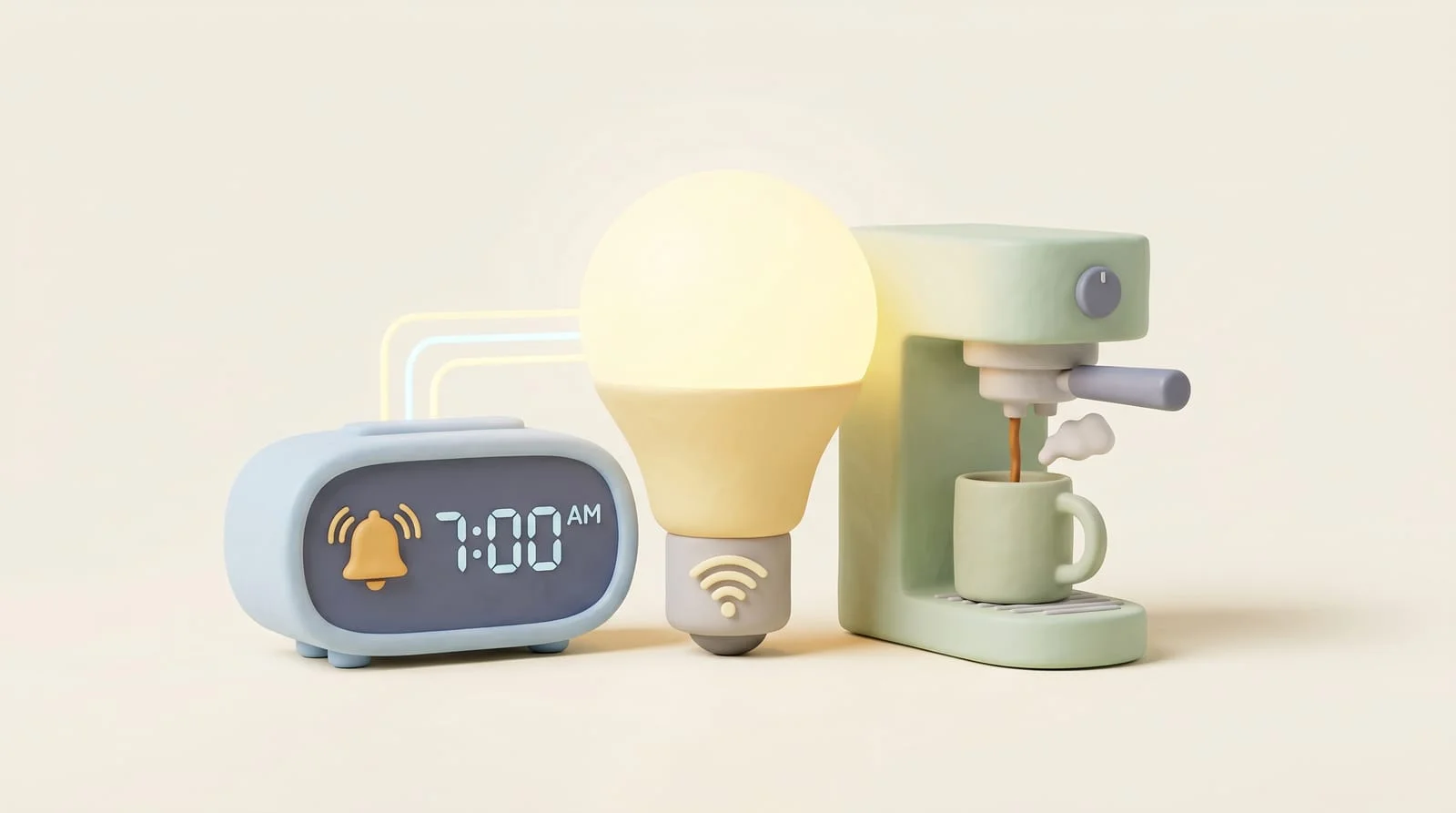
How to Automate Your Entire Morning Routine
The best smart home automations are the ones you don't think about. Here's how I set up a morning routine that runs itself — and how you can too, regardless of which hub you're using. The pattern below works in Home Assistant, but every step has an equivalent in SmartThings, Hubitat, or even vendor apps. What matters is the order of operations and the guards that keep it from misfiring.
Step 1: Pick the right trigger (it's not a fixed time)
A 6:30 automation is wrong twice: on the day you're sick and on the day you're up at 5. The trigger that actually works is your phone's next alarm — Home Assistant reads it through the companion app, so the house follows your schedule instead of fighting it. If you'd rather not couple the house to your phone, fall back to a time trigger with a workday condition, and add a manual "skip today" toggle you can hit from bed.
Step 2: Light that ramps instead of switches
The single biggest quality-of-life win is a bedroom lamp that fades from 1% warm amber to 60% over ten minutes, starting a few minutes before the alarm. It's a gentler wake than any sound, and in winter it does half the work of getting you up. This is the one place where smart bulbs beat smart switches — color temperature is the point — and Hue bulbs are the ones we trust to still do this in five years.
View Listing
The bulbs we use for sunrise ramps — a decade of firmware support and the v2 bridge still gets updates.
Step 3: Heat the bathroom before your feet hit the floor
Climate is the slowest device in the chain, so it goes first chronologically. A schedule on a quality thermostat covers the whole-house case; the trick is the offset — start 30 minutes before wake-up, not at it. If your mornings vary, trigger the warm-up from the same alarm sensor as the lights.
View Listing
Our pick for schedule-driven morning warm-ups, with room sensors for the spots that matter.
Step 4: The coffee maker is just a smart plug
Any dumb coffee maker with a mechanical switch becomes automated with a monitored smart plug: load the grounds at night, leave the switch on, and let the plug fire ten minutes after wake. The power-monitoring part isn't a gimmick here — watts dropping back to idle is how the automation knows the brew actually finished, so it can nag you before you leave with the pot untouched.
View Listing
The Z-Wave monitoring plug we use for appliance automations like this one.
Step 5: The guard that makes it trustworthy
Every automation above should check one condition: is someone actually getting up? A presence sensor in the bedroom answers it. Alarm went off but the bed's still occupied ten minutes later? Re-ramp the lights. House empty because you left early? Skip the coffee and drop the heat. This guard is the difference between a routine that feels like magic and one you disable after the first false fire.
View Listing
The mmWave sensor that can tell 'still in bed' from 'up and moving' — the guard condition for the whole routine.
The assembled routine
Thirty minutes before wake: thermostat steps up. Ten minutes before: bedroom lamp starts its ramp. At the alarm: kitchen lights on at 40%, coffee plug fires. Ten minutes after: if the bedroom still reads occupied, ramp the lamp to full; if the house reads empty, undo everything. Four devices, one guard condition, zero apps opened before your first cup.
Start with just the light ramp — it's one bulb and one automation, and it's the piece you'll feel tomorrow morning. Add the rest one device at a time, and let each step run a week before you trust it with the next.