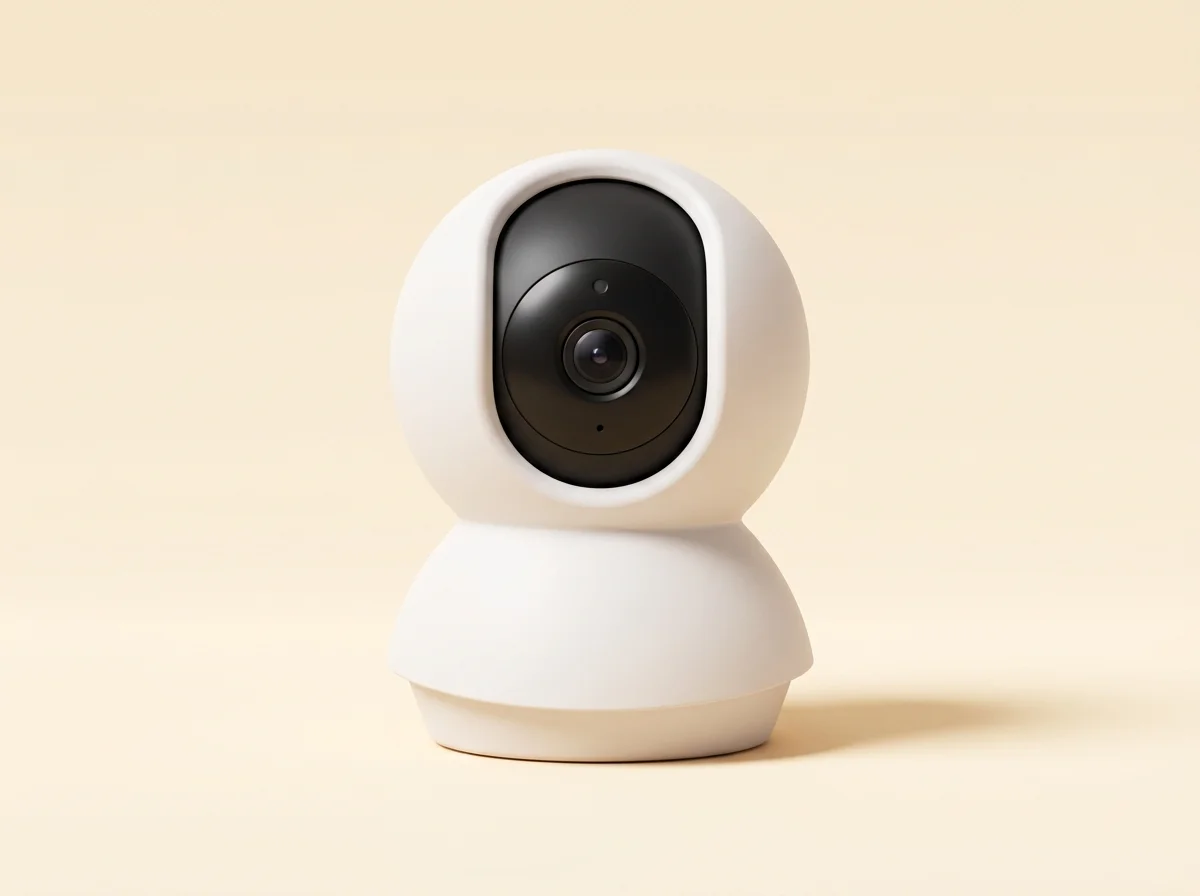
TP-Link Tapo C200
Bottom line
Worth consideringInitial configuration uses the Tapo app. For third-party local viewing, follow TP-Link’s instructions to create camera credentials and configure a supported viewer or recorder. A local video stream is not the same as exposing every app feature locally.
view a configured camera stream on the local network; record indoors to supported local storage
The local-first grade is not a promise of hardware lifespan; review the evidence below.
Researched from manufacturer documentation and published integration guides. A grade describes local control, open integration, and cloud dependence; it is not a guarantee of lifespan. How we evaluate
Added Dec 12, 2025
Key trade-offs
Why it stands out
Initial configuration uses the Tapo app. For third-party local viewing, follow TP-Link’s instructions to create camera credentials and configure a supported viewer or recorder. A local video stream is not the same as exposing every app feature locally.
What to weigh
Initial configuration uses the Tapo app. For third-party local viewing, follow TP-Link’s instructions to create camera credentials and configure a supported viewer or recorder.
About
TP-Link Tapo C200 is an indoor pan-and-tilt Wi-Fi camera with local microSD recording and documented RTSP/ONVIF access.
Compatibility and limitations
Initial configuration uses the Tapo app. For third-party local viewing, follow TP-Link’s instructions to create camera credentials and configure a supported viewer or recorder. A local video stream is not the same as exposing every app feature locally. Check hardware revision, firmware, recording options, and storage limits before buying. Tapo Care cloud features are separate from local recording.
Research basis
This is a documentation-based overview. We have not independently tested this product or established its service life.
Specifications
| Resolution | 1080p |
|---|---|
| Connection | Wi-Fi |
| Local options | microSD recording; RTSP/ONVIF with setup |
Frequently Asked Questions
- No. TP-Link’s instructions use the Tapo app to configure the camera account for RTSP/ONVIF access.
Related Listings
Compare side by side →

Affiliate link — we may earn a commission at no extra cost to you.
Buy on Amazon